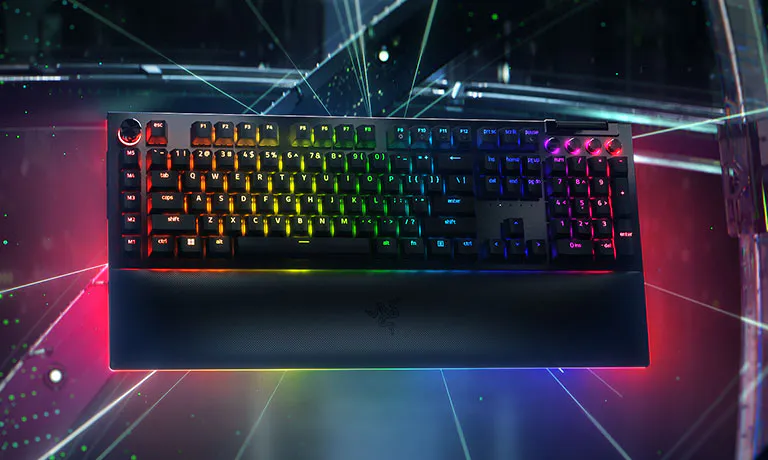
RAZER BLACKWIDOW
Независимо от того, ищите ли вы больший контроль, настройку или погружение, получите это всё с нашей культовой механической игровой клавиатурой. От дополнительных элементов управления играми и мультимедиа до захватывающей игры с полным погружением за счет интегрируемой подсветки Razer Chroma™ RGB — выберите идеальный вариант для своего сетапа из множества форм-факторов.
ЗНАКОМЬТЕСЬ С ЛИНЕЙКОЙ
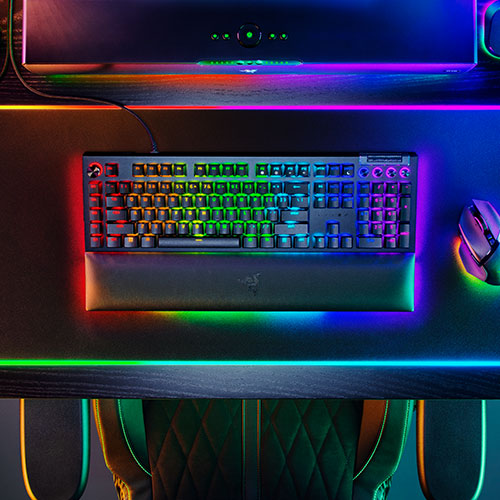
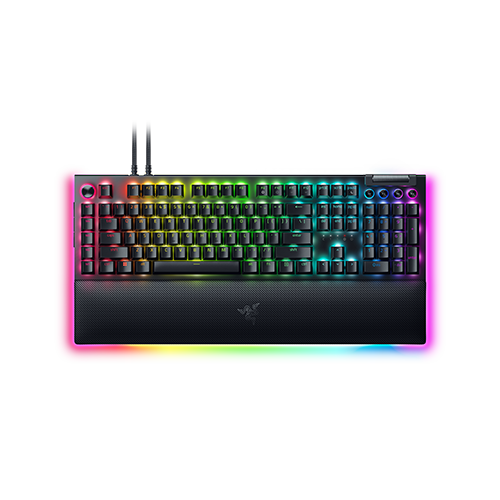
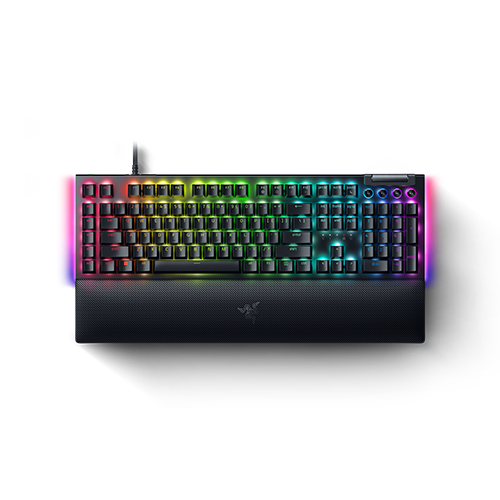
RAZER BLACKWIDOW V4 PRO
Раскройте весь потенциал управления своей боевой станции с полноразмерной проводной моделью с цифровым колесиком управления Razer™, 8 выделенными клавишами для записи макросов, элементами управления мультимедиа и подсветкой.
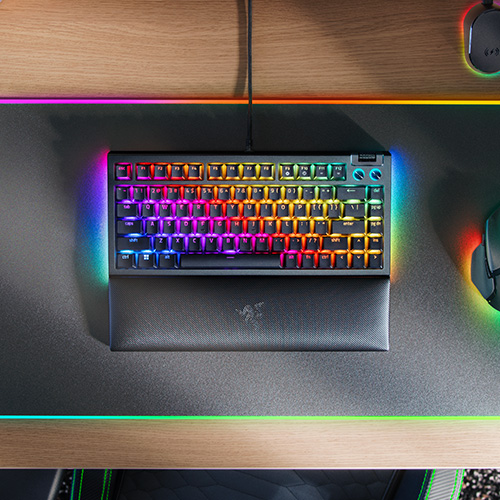
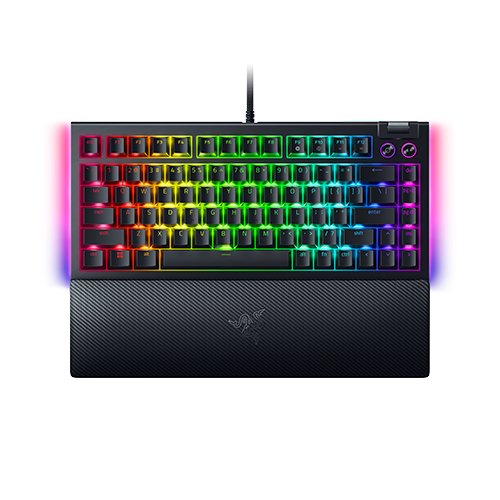
RAZER BLACKWIDOW V4 75%
Механическая игровая клавиатура с возможностью быстрой замены переключателей.
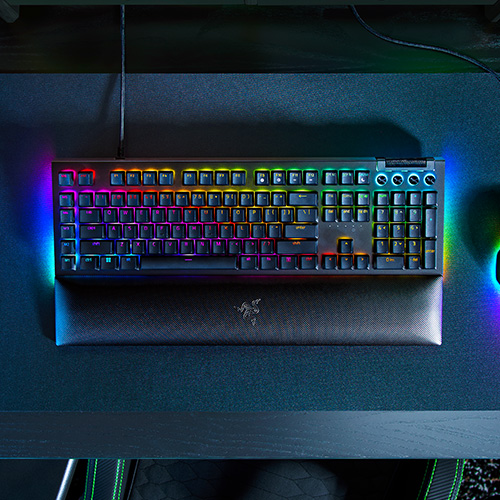
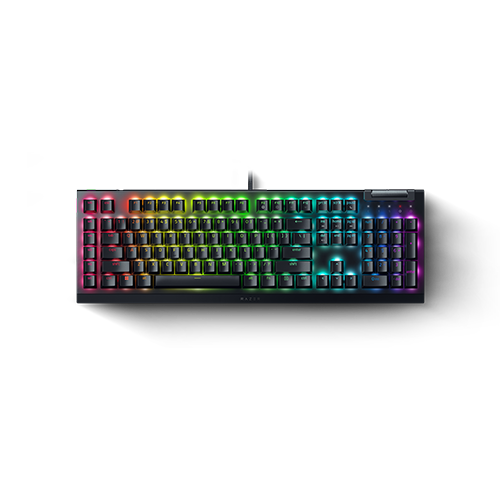
RAZER BLACKWIDOW V4
Управляйте своей боевой станцией с оптимальной производительностью с помощью идеального центра управления для вашего ПК.
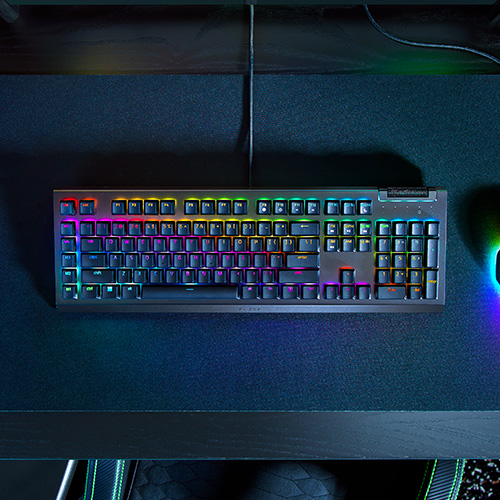
RAZER BLACKWIDOW V4 X
Обновите ядро своей боевой станции с Razer BlackWidow V4 X — усовершенствованной механической игровой клавиатуры, созданной для расширенного управления.
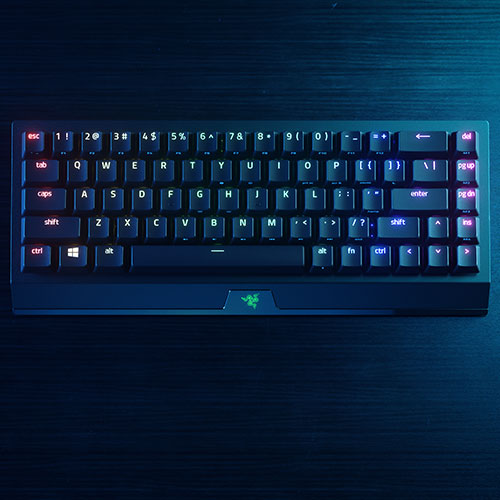
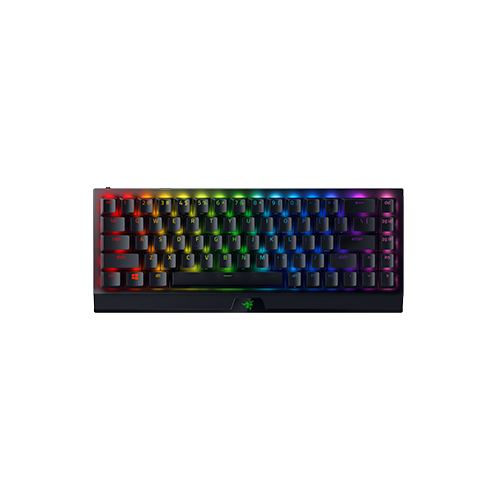
RAZER BLACKWIDOW V3 MINI HYPERSPEED
Наша самая компактная механическая клавиатура с 65% форм-фактором, созданная для комфортной беспроводной игры в любом месте.
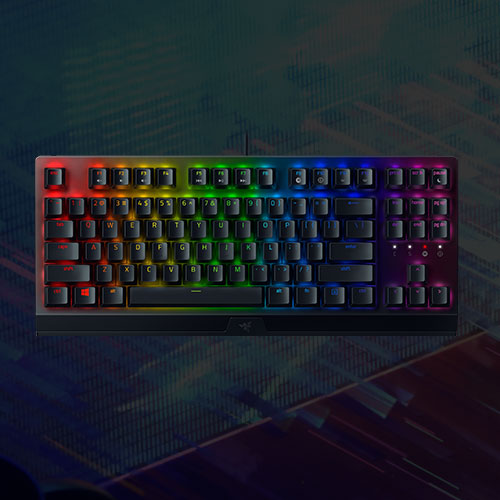
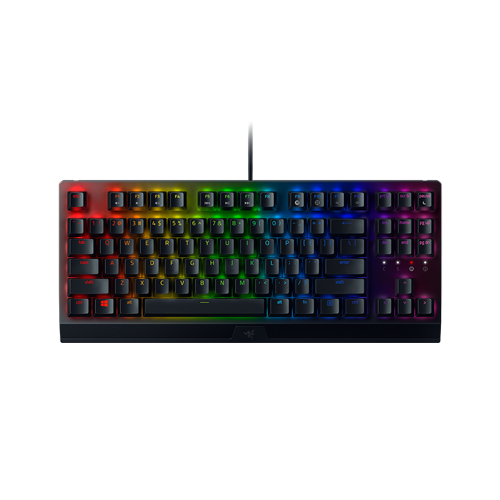
RAZER BLACKWIDOW V3 TENKEYLESS
Точные механические переключатели, заключенные в проводной 80% форм-фактор, с поддержкой Razer Chroma™ RGB для большей настройки.
БАЗОВЫЕ ХАРАКТЕРИСТИКИ
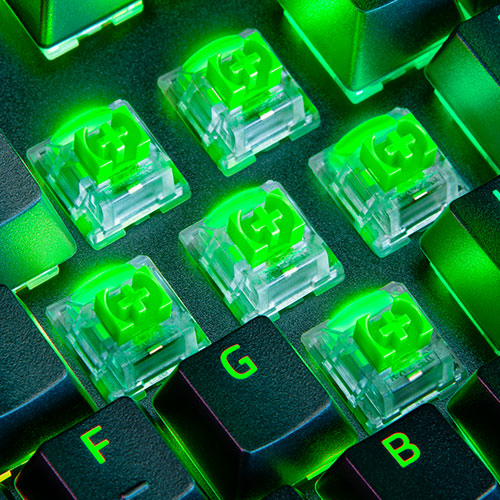
МЕХАНИЧЕСКИЕ ПЕРЕКЛЮЧАТЕЛИ RAZER™
RAZER CHROMA™ RGB
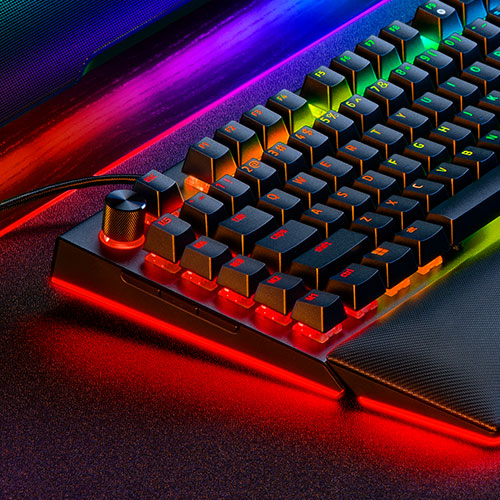
РАСШИРЕННЫЙ КОНТРОЛЬ И НАСТРОЙКА
УЗНАЙТЕ, КАКАЯ BLACKWIDOW ПОДОЙДЕТ ВАМ
|
|
|
|
|
|
|
|
|---|---|---|---|---|---|---|
|
ТИП ПЕРЕКЛЮЧАТЕЛЕЙ |
Механические переключатели Razer™ (Линейные/Щелкающие) |
Механические переключатели Razer™ (Тактильные) |
Механические переключатели Razer™ (Линейные/Щелкающие) |
|||
|
РЕСУРС НАЖАТИЙ КЛАВИШ |
100 миллионов нажатий клавиш |
|||||
|
RGB ПОДСВЕТКА |
Индивидуальная подсветка каждой клавиши Razer Chroma RGB, 2-х сторонняя подсветка корпуса, 3 зоны подсветки подставки под запястья |
Индивидуальная подсветка каждой клавиши Razer Chroma RGB, 2-х сторонняя подсветка корпуса |
Индивидуальная подсветка каждой клавиши Razer Chroma RGB, 2-х сторонняя подсветка корпуса |
Индивидуальная подсветка каждой клавиши Razer Chroma RGB |
||
|
ФОРМ-ФАКТОР |
Полноразмерная |
75% с рядом функциональных клавиш и клавиш со стрелками |
Полноразмерная |
65% |
Без цифрового блока (Tenkeyless) |
|
|
КЕЙКАПЫ |
Двухкомпонентные клавишные колпачки из АБС |
|||||
|
ВЕРХНЕЕ ПОКРЫТИЕ |
Верхняя пластина корпуса из алюминиевого сплава 5052 |
|||||
|
ПЕНА |
2 слоя звукопоглащающей пены |
Звукопоглощающая пена печатной платы и нижний слой пеноматериала |
1 слой звукопоглащающей пены |
Отсутствует |
||
|
ПОДСТАВКА ПОД ЗАПЯСТЬЯ |
Есть |
Отсутствует |
||||
|
ВЫДЕЛЕННЫЕ МЕДИА-КЛАВИШИ |
Многофункциональный ролик и 4 выделенные медиа-кнопки |
Многофункциональный ролик и 2 выделенные медиа-кнопки |
Многофункциональный ролик и 4 выделенные медиа-кнопки |
Многофункциональный ролик |
Отсутствуют |
|
|
ВЫДЕЛЕННЫЕ МАКРОКЛАВИШИ |
Цифровое колесико управления Razer™, 5 макро-клавиш слева на клавиатуре, 3 боковые кнопки на левой стороне клавиатуры |
Отсутствуют |
6 выделенных клавиш слева на клавиатуре |
Отсутствуют |
||
|
СКВОЗНОЙ ПОРТ USB |
Есть |
Отсутствует |
||||
|
ЧАСТОТА ОПРОСА |
До 8000 Гц |
До 1000 Гц |
||||
|
КАБЕЛЬ |
Съемный Type C (для подключения к ПК и сквозного порта) |
Съемный Type C |
Фиксированный кабель в оплетке |
Съемный Type C |
Фиксированный кабель в оплетке |
|
|
ДРУГИЕ ОСОБЕННОСТИ |
Полностью программируемый NKRO, 5 встроенных профилей и предварительно смазанные стабилизаторы |
Предварительно смазанные стабилизаторы и гибридное встроенное хранилище до 5 профилей |
Гибридное встроенное хранилище до 5 профилей |
Полностью программируемый NKRO и 5 встроенных профилей |
||
Рекомендованные товары
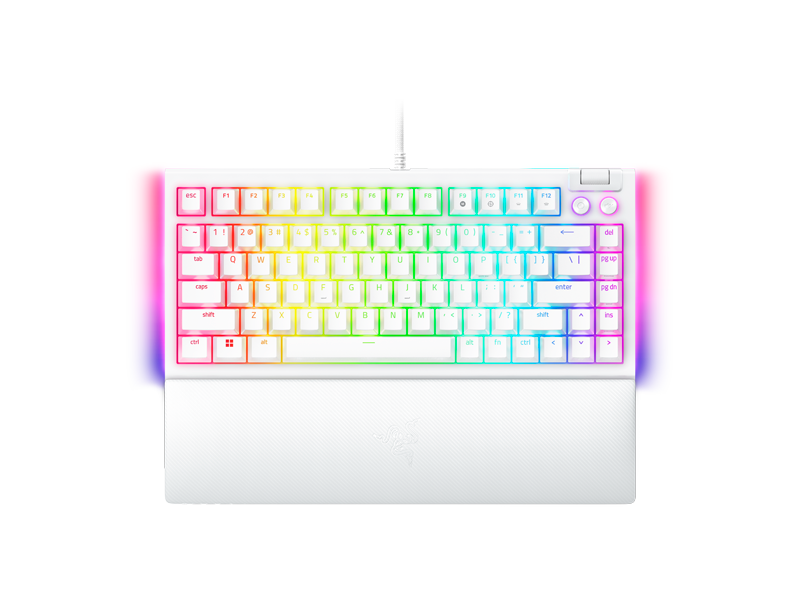
Razer BlackWidow V4 75% (Orange Switch), White
Механическая игровая клавиатура со сменными (Hot-swappable) переключателями
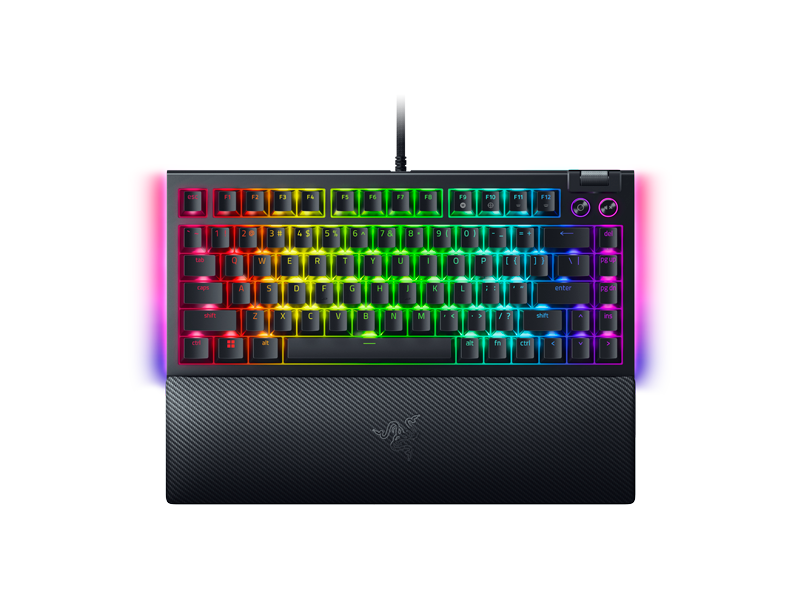
Razer BlackWidow V4 75% (Orange Switch), Black
Механическая игровая клавиатура со сменными (Hot-swappable) переключателями
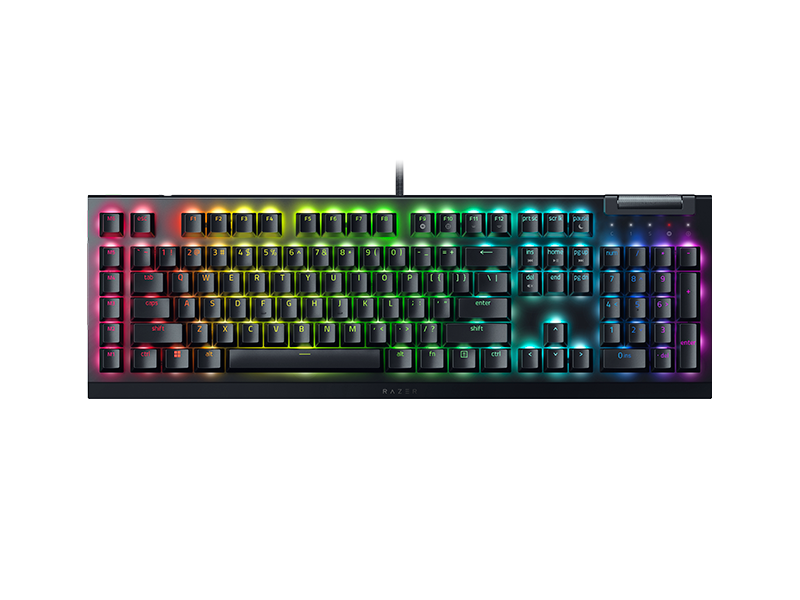
Razer BlackWidow V4 X (Yellow Switch), Black
Механическая игровая клавиатура с подсветкой Razer Chroma™ RGB
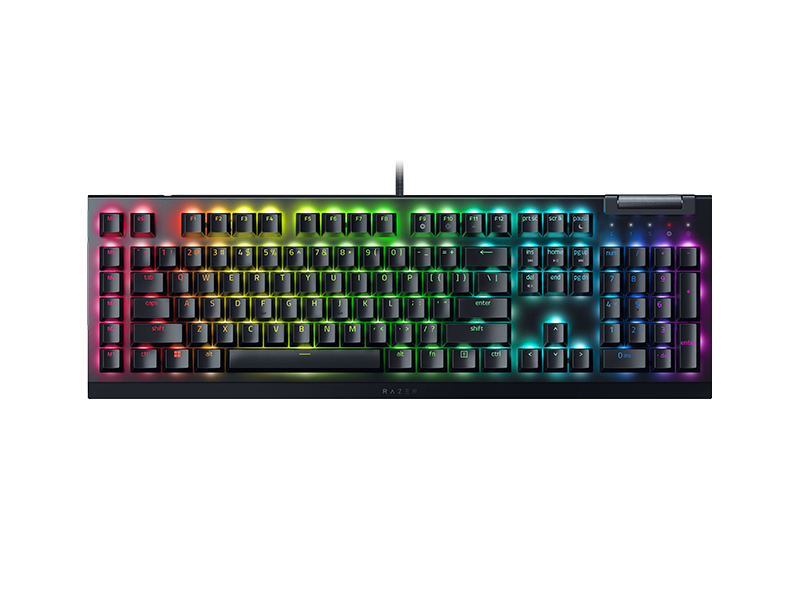
Razer BlackWidow V4 X (Green Switch), Black
Механическая игровая клавиатура с подсветкой Razer Chroma™ RGB
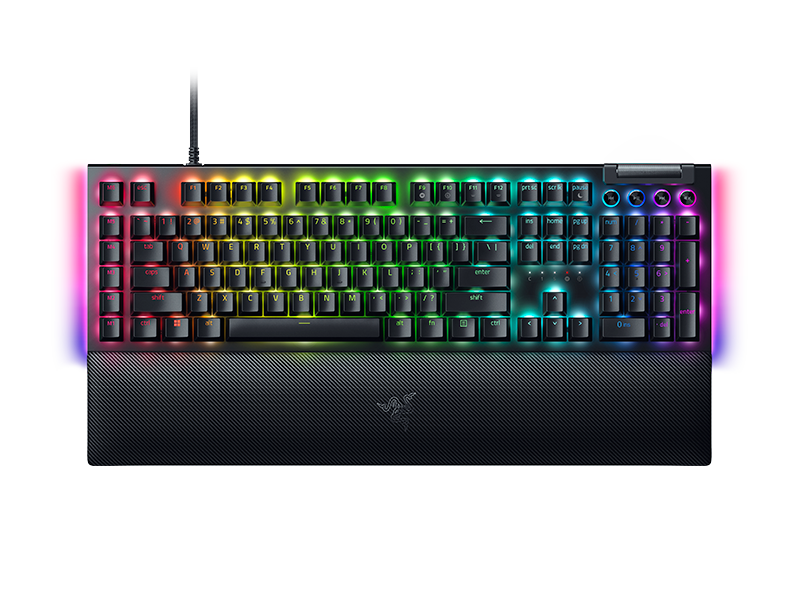
Razer BlackWidow V4 (Yellow Switch), Black
Механическая игровая клавиатура с подсветкой Razer Chroma™ RGB
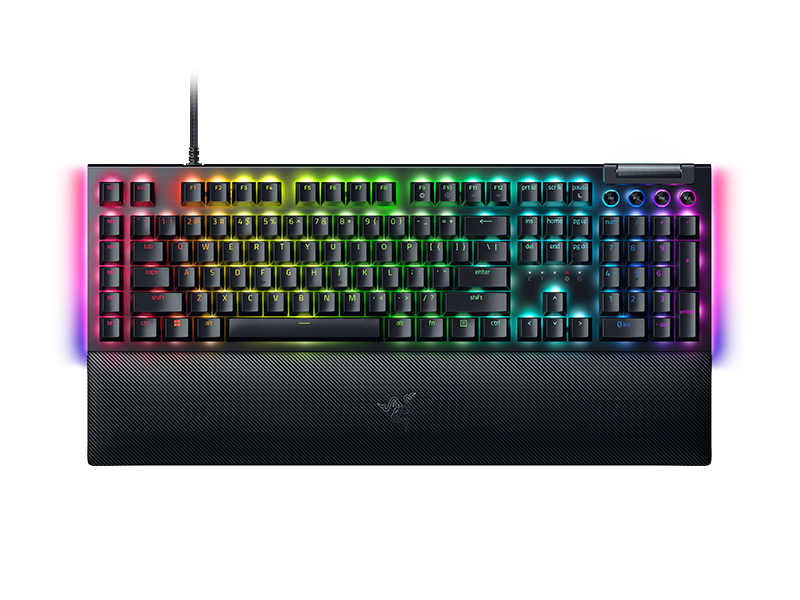
Razer BlackWidow V4 (Green Switch), Black
Механическая игровая клавиатура с подсветкой Razer Chroma™ RGB
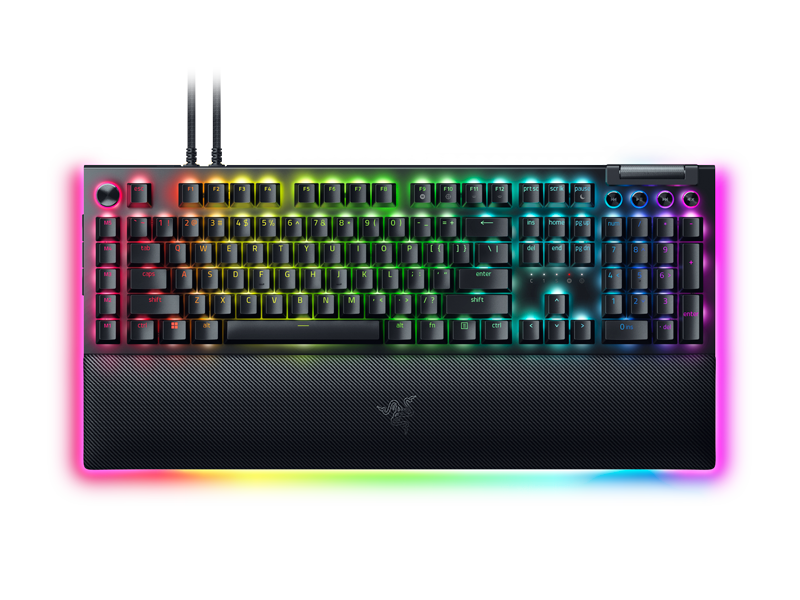
Razer BlackWidow V4 Pro (Yellow Switch), Black
Механическая игровая клавиатура с подсветкой Razer Chroma™ RGB
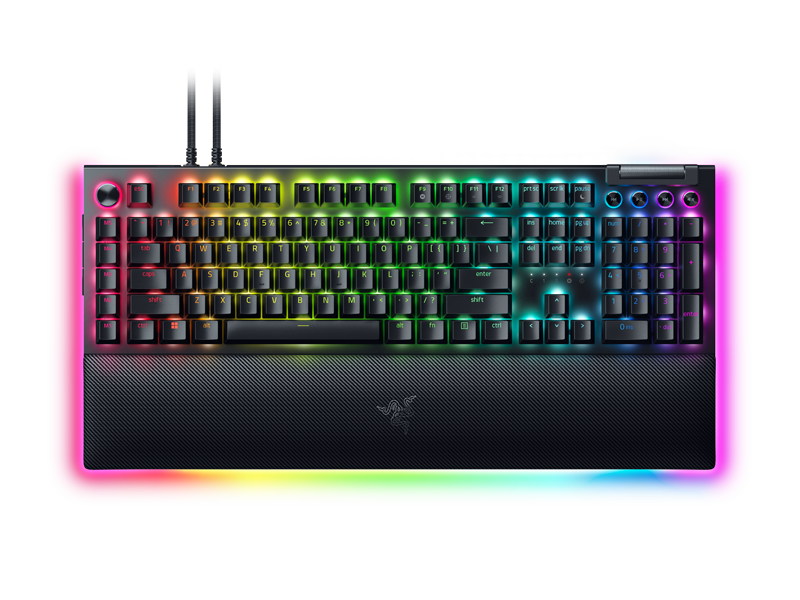
Razer BlackWidow V4 Pro (Green Switch), Black
Механическая игровая клавиатура с подсветкой Razer Chroma™ RGB